












Holds the job
The task list, the context and the last run stay together.
AI employees
An AI employee holds the job: it plans the work, runs it on your machine and comes back with the result. You keep the decisions.
What it is
A chatbot answers and moves on. An AI employee keeps the task list, the context, the last run and what is still pending.
What is exposed on this machine?
I can’t see your machine. Paste the details here and I’ll answer.
The conversation ends when you close the tab.
The report stays on your machine. You decide what changes.
The task list, the context and the last run stay together.
Code, media, browser and Git on your machine.
Sensitive actions wait for your approval.
Your files, models and keys stay where they are.
It keeps the task list, the context and the last run. You delegate an outcome, not a prompt.
A chatbot answers and forgets when you leave. An AI employee comes back with the work done, on the machine where the files already live.
See how it comparesCompared
Three products get called “AI” in the market. They do not belong in the same column.
| Aspect | Chatbot | Cloud AI employee | AgentVUE AI employee |
|---|---|---|---|
| Where it runs | A browser tab on the vendor's site. | The vendor's servers. | Your Windows or Linux machine. |
| What it does | Answers questions inside a conversation. | Runs tasks through the vendor's tools and connectors. | Executes recurring digital work on your machine and repositories. |
| Models and API keys | The vendor's model, no choice. | Vendor-hosted, or your key routed through their platform. | Your models, your keys, your endpoints. |
| Your data | Held by the vendor. | Held by the vendor, in their account. | Stays on your machine unless you export it. |
| If the vendor disappears | The conversation ends. Little is lost. | The employee stops the day the vendor switches the service off. | It keeps working: runtime, licence and data live on your machine. |
| Human approval | Not applicable. | Depends on the platform. | You approve what matters and set the autonomy level. |
How it works
Four steps. All on your machine.
The workstation maps your machine and your repositories: installed packages, services, projects, versions. The agent works from facts on your disk, not from a guess.
What matters most is handled first — the exposed version before the nice-to-have, the client deliverable before the internal cleanup. Recurring work can become scheduled tasks: every Monday, the brief is prepared and waiting.
A fix is applied with your approval. A publish runs through the platform's own web interface, on your accounts — by the agent itself, with a review gate whenever you want one. You set the autonomy level once; you can change it whenever you want.
Each run ends with a report on your machine — what was checked, what changed, what is pending — ready to hand to a client or an insurer questionnaire.
Who decides
The agent can plan, run and check the work. A fix on your machine, a commit, a publish on your account: those wait for you when you want them to.
The agent runs the checks, prepares the content and keeps the task moving. You approve the actions that change something: a fix on your machine, a commit, a publish on your account.
Set the autonomy level once. Change it whenever you want. The report stays on your machine.
Autonomy
Keep the approval step on every change, or let routine work run. You can change it at any time.
The action waits for your approval. Nothing changes until you say so.
The work
The same workstation covers code, operations, security and content.
Level-1 triage, machine inventory, services and open ports, fixes proposed then applied with your approval.
A fleet you can actually see, fixes that stick.Answers grounded in your knowledge base, escalation of what needs a human, tickets updated automatically.
Less copy-paste, answers that match your docs.CI failure triage, release notes, deployment checklists and pipeline documentation.
A release train that keeps moving.Control mapping, policy upkeep and the audit-prep file built through the year.
The file is ready before the audit is announced.Roles
Three roles ship today. Same licence, same machine.
AI employee
Designs and applies the fixes: machine inventory, advisory matching, the patch applied with your approval, then the post-check.
AI employee
Reads the exposure and explains it: what is vulnerable, which version fixes it, what to treat first.
AI employee
Runs the content pipeline: shorts, images and per-channel variants, then publishing through the platforms' web interfaces — by the agent itself, on your accounts, on a schedule you define.
Start here
One licence. One machine. Start with the job that costs you the most time.
Built with AgentVUE
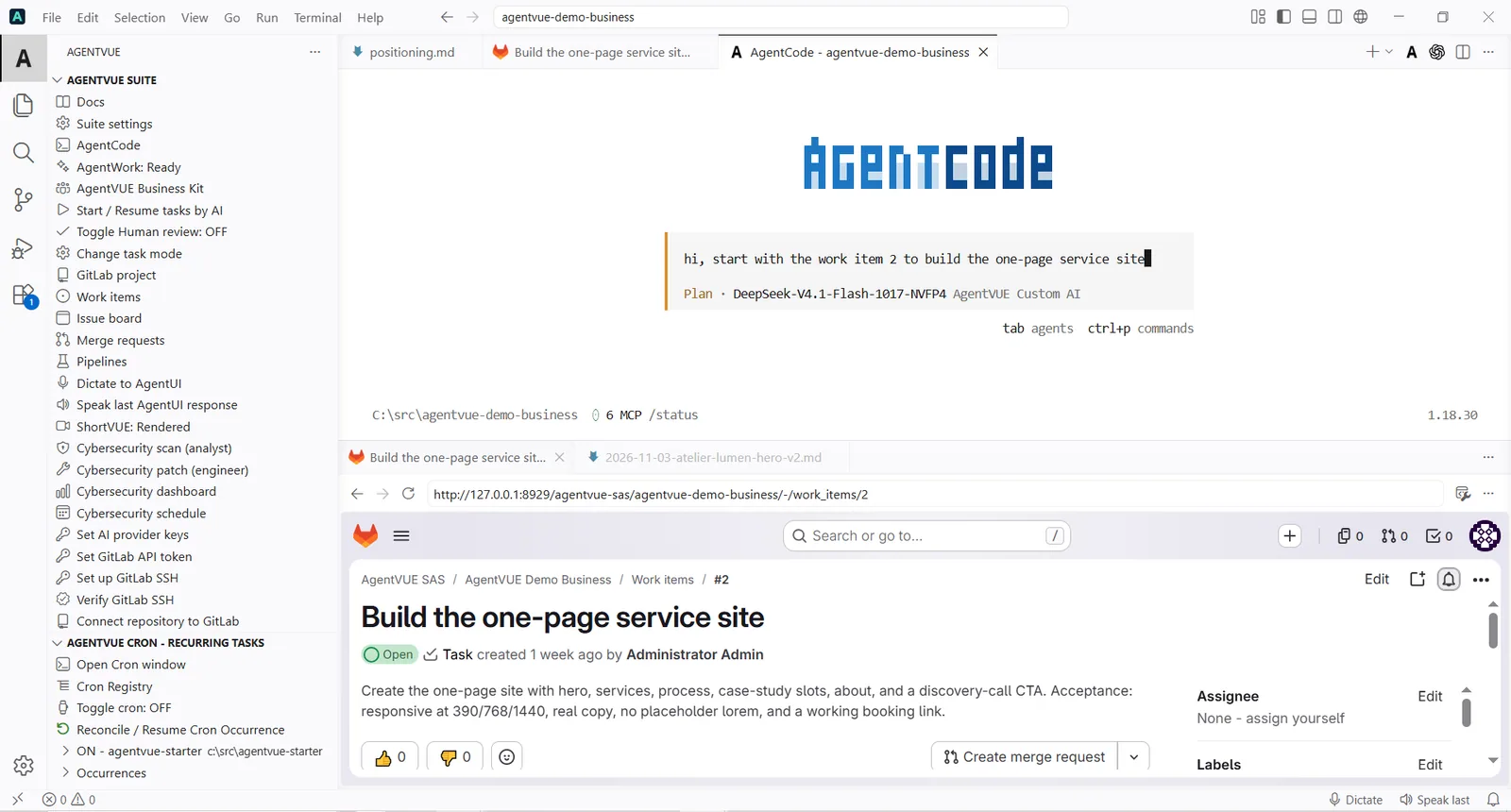
The editor, the websites and the Business Kit are built and maintained by the same agents, on the same workstation.
Keep reading
Two specialisations are live today, on the same licence. Both run on your machine, start to finish.
Questions
The licence, the data, the approvals and the price.
Software that holds a recurring job on your behalf: it plans the work, executes it on your machine and reports back, while you approve what matters.
A chatbot answers questions in a conversation and moves on. An AI employee keeps the job: the task list, the context, the previous runs. You delegate an outcome, not a prompt.
A cloud AI employee runs on the vendor's servers, with the vendor's tools, and your data sits in their account. A local AI employee runs on your machine, with your models and your keys, and the data stays on your disk unless you export it.
It already happened once. Vellum announced that its Personal Assistant Platform shuts down on 2 November 2026: cloud-hosted assistants cease to function, logins are disabled and the cloud data is permanently deleted. Vellum itself tells users to self-host. A local AI employee keeps working, because the runtime, the licence and the data live on your machine. Every cloud vendor can be the next one — that is a structural risk of the category, not a one-off.
It does the recurring work; the human approves what matters. Treat it as capacity, not headcount: the checks run, the content is prepared, the updates are applied with your approval — and the judgement stays yours.
A Windows or Linux machine, an AgentVUE Desktop licence and an AI endpoint you configure — your models, your keys. There is no account, no activation server and no telemetry.
Yes. The agent works on the machine where the repositories live, with your Git configuration — GitHub and GitLab are supported by the task manager. You keep control over what the agent may touch.
One licence covers the whole workstation: Pro €49, Max €99, Ultra €199 per month billed yearly, or €33/€66/€123 per month with three years prepaid and one year free. The details are on the pricing page.
No. The software creates no account and sends no telemetry. Your files, findings and reports stay on the machine unless you explicitly export them.
It prepares the content locally — scripts, cuts, subtitles, per-channel variants — then publishes it itself through the platform's own web interface, on your accounts, never through a platform API. Recurring tasks keep the cadence on schedule, and you can keep a review gate before anything goes out.
Next step
One licence, one machine. Install, configure your AI endpoint, and put the first recurring task to work this week.